I have both a Windows PC and a MacBook Pro. Now both are asking me to upgrade the OS to the next major release. Windows 11 has been released for months and each time I restart my PC, I get a message to update. I have not done so yet.
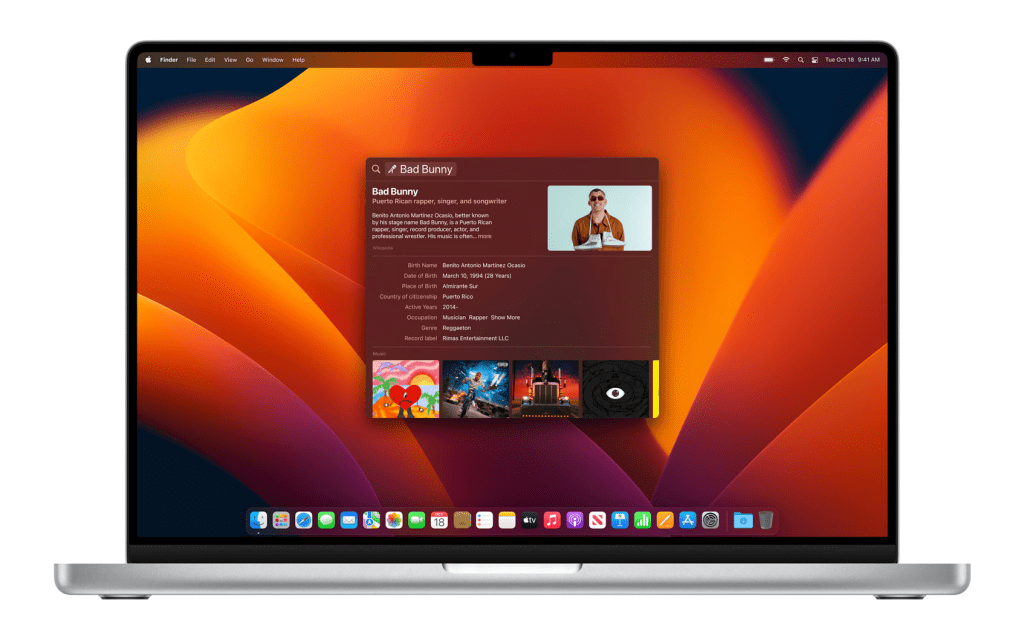
Today, I noticed an update notification on the System Preferences icon. It turns out there is a major macOS release too. I am still using version 12.6, codenamed Monterey. The latest version is 13.0.1, codenamed Ventura. Apple is still going with California place names.
Each time there is a major OS release or revision, I am always hesitant on upgrading. I want to check out the new features, but I am always afraid that bugs in the update will make the experience worse.
==========
I just started the update process on my Mac. Hope it does not brick.
==========
Updated: November 11, 2022 @2:37 pm
I was right. MacOS Ventura has more of an iOS feel. The system settings (renamed?) window looks totally different from all the previous MacOS versions, and very much like the iOS settings.
One other place I feel Apple messed up is the screen display settings. For some reason, there are a lot less options for external monitors. I have a Samsung U32R59x. It is a 4k monitor with 3840 x 2160 resolution, but MacOS says 1920 x 1080 is default. That makes the screen image huge but reduces the desktop size. If you set it at full resolution, the text becomes tiny. In MacOS 12, you can scale the text larger but maintain the high resolution for movies. This option appears to be gone. I now have the resolution at 2560 x 1440, which is a good compromise, but I lose the ability to control the refresh rate, and again, I cannot view videos at 4k resolution.
What the fuck, Apple!?

 Life with chronic diseases